
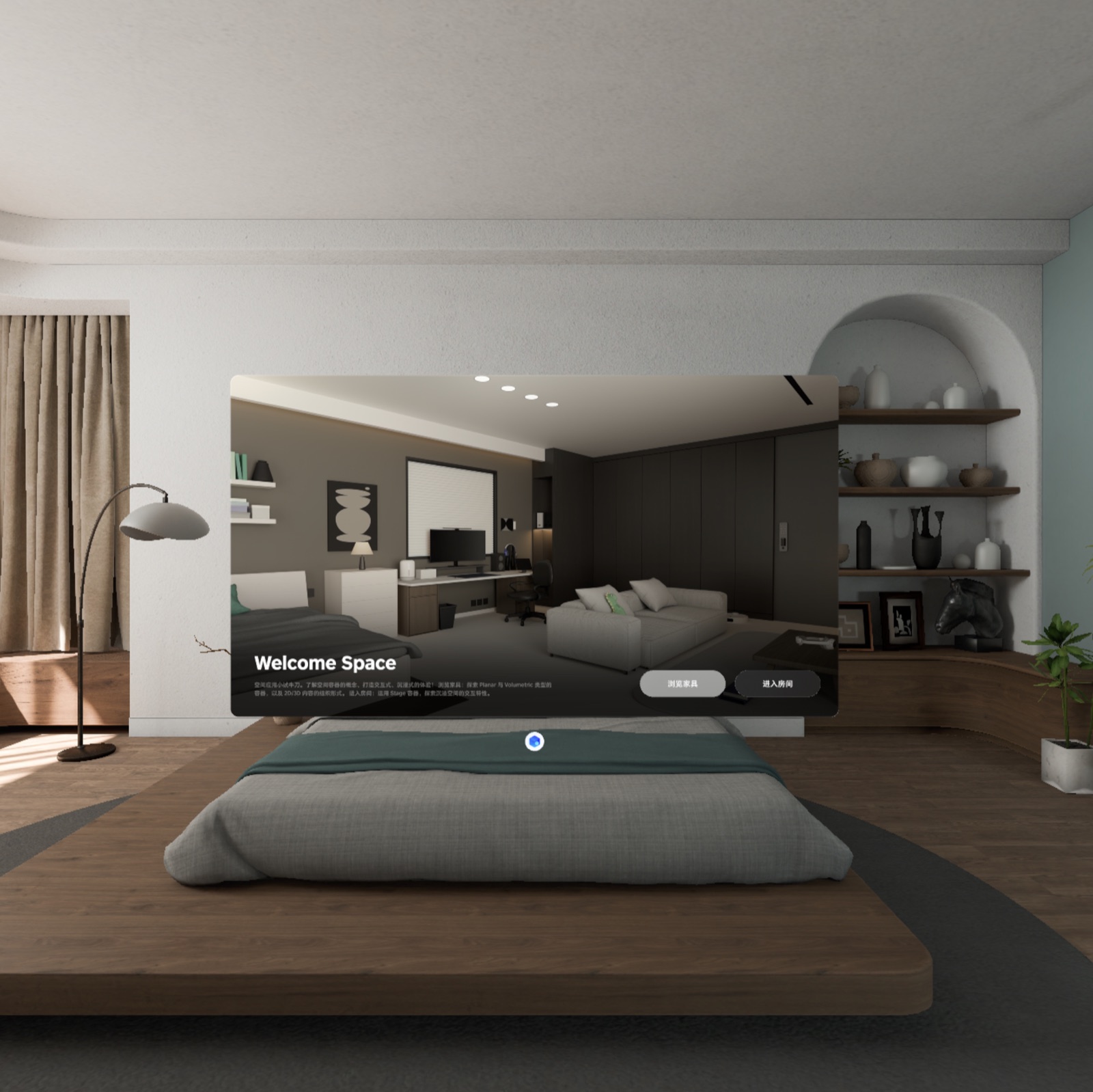
Welcome Space
From Window to Volume and Full Space
This is more than a furniture browser: planar navigation handles selection, a Volume handles inspection, and a Stage handles immersive placement.
- Capability
- Spatial containers and cross-container state
- Environment
- PICO Emulator 0.10
- Result
- Build, install, and home rendering verified
Emulator capture
Captured from the local PICO Emulator 0.10 run; no mockup is used as test evidence.
What the run proved
The home screen opens as a Window. Furniture browsing and room entry lead to different spatial containers. The emulator verifies creation and loading; hand-gesture quality still needs a headset.
- 01Window: navigation, lists, and explanatory UI.
- 02Volume: a depth-aware container for the model and toolbar.
- 03Stage: enters the complete room at 100% immersion.
Core code: define space before content
mainApp declares all three container types. Stable IDs become anchors for opening, passing data, and restoring state.
DefaultWindowContainer { MainNavHost() }
WindowContainer(
  id = "display_box",
  form = Form.Volumetric,
  worldScale = WorldScale.Fixed
) { ItemDisplayVolume() }
Stage(id = "room", immersion = Immersion(default = 100)) {
  FullSpaceRoom()
}
Window, Volume, and Stage are peer containers inside one app, not three Activities.
Core code: gesture coordinates and lifecycle
Drag input starts in global view coordinates and is converted into the content local space before updating the entity. Scale is clamped, and DisposableEffect unregisters the rotation system on exit.
val localRotation = content.convertRotation(
  rotation = dragAmount.toRotation3D().toQuaternion(),
  from = ViewCoordinateSpace.Global,
  to = content.localSpatialCoordinateSpace
)
transform.setQuaternion(localRotation)
A common spatial bug is combining values from different coordinate spaces.