
Animation
Two playback paths: skeletal and tween animation
One robot demonstrates the difference between embedded skeletal clips and programmatic transform/material tweening.
- Capability
- Skeletal, transform, and material animation
- Environment
- PICO Emulator 0.10
- Result
- Robot and five motion presets rendered
Emulator capture
Captured from the local PICO Emulator 0.10 run; no mockup is used as test evidence.
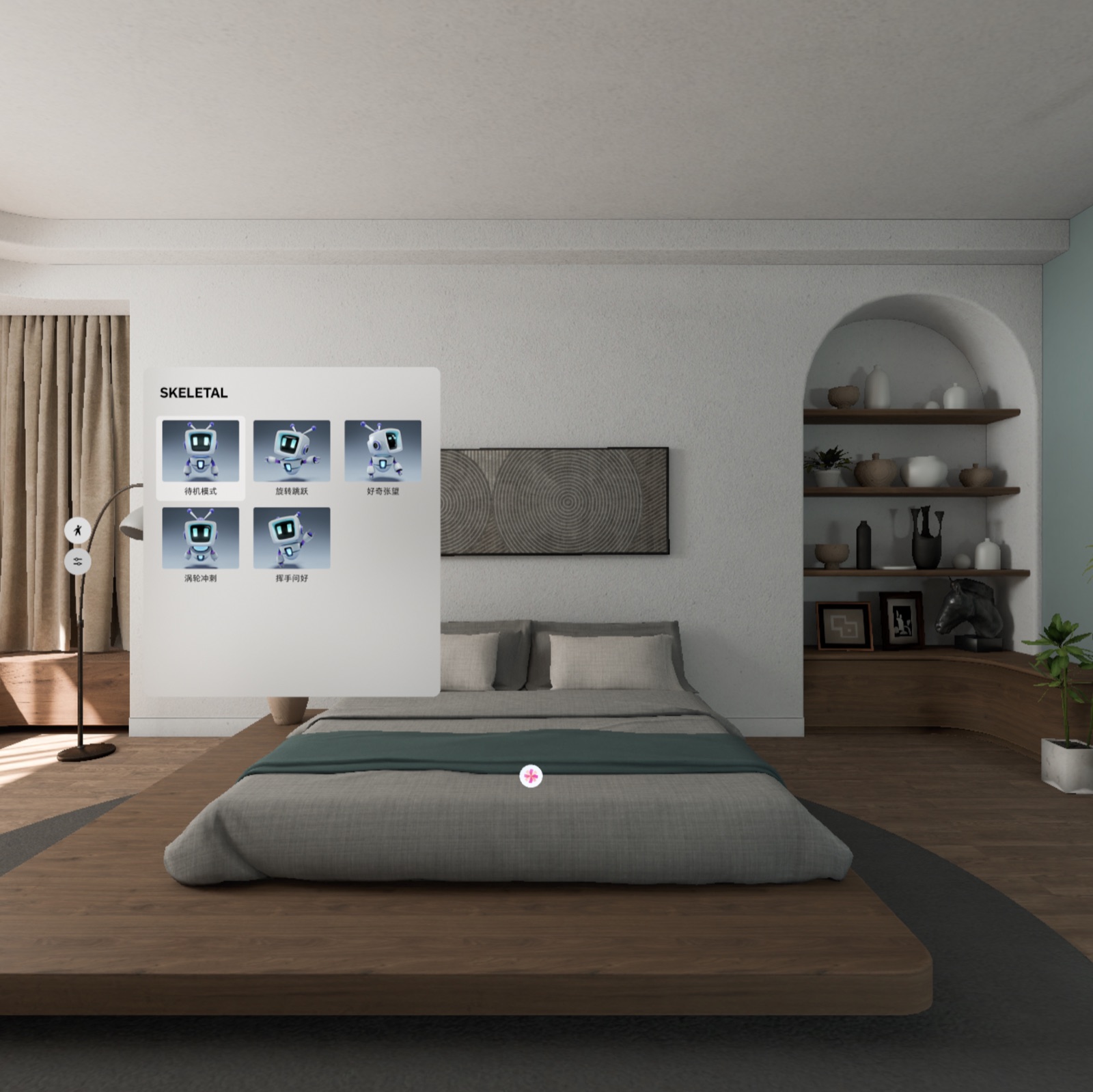
What the run proved
The emulator exposes five robot clips. UI state is only the command source; playback happens on entities carrying skinned meshes.
Core code: keep clip resources alive
The model loads off the main thread, then all skinned meshes are found and their clip resources retained. Resources stay open during playback and close only during final cleanup.
val character = withContext(Dispatchers.IO) {
  Entity.load("asset://pico_robot_animated.glb")
}
val meshes = entity.findSkinnedMeshEntity().toList()
val clips = meshes.firstOrNull()?.getAnimationResources()
meshes.forEach { it.playAnimation(clips[state.value]) }
Reset stops playback but does not close reusable clip resources.
Core code: tween bind targets
TweenAnimation binds to position, rotation, transform, or a material property. Initial PBR values are recorded first so reset can restore the model exactly.
TweenAnimation.createTweenAnimation(
  bindTarget = AnimationBindTarget.bindMaterial(
    0, MaterialTarget.BASE_COLOR
  ),
  from = initialColor,
  to = targetColor,
  duration = control.duration
)
The key is correct entity/material binding and a reliable restore path.