
DarkString / Services
Spatial Computing Services: PICO and visionOS Development
Turn product models, exhibition content and business tasks into interactive spatial experiences. DarkString starts with the audience and target device, then develops the interaction prototype and verifies the application workflow.
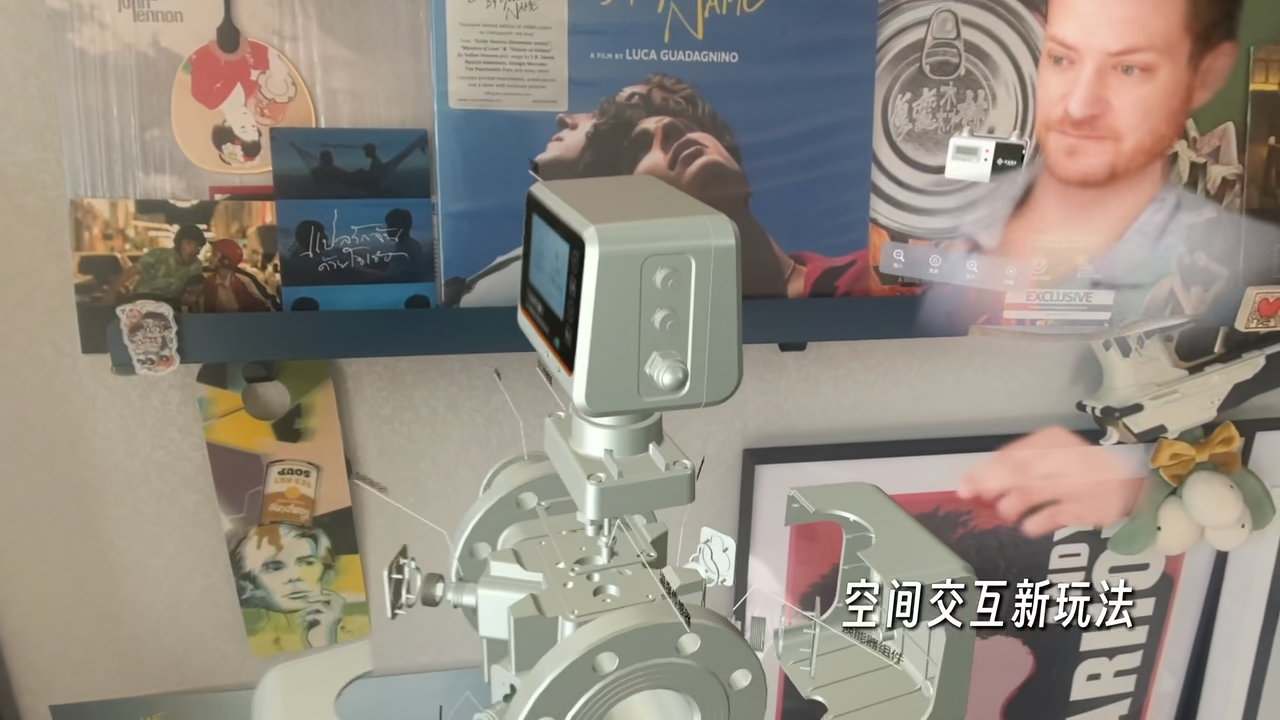
Start with a real viewing task
Spatial applications are useful when scale, structure and position matter. Define what a visitor needs to do before choosing an AR showcase, a digital exhibition or an immersive headset experience.
- Product showcases: organize model inspection, placement and interaction guidance.
- Digital exhibitions: connect exhibits, navigation and contextual information.
- Interaction prototypes: explore hand tracking, object detection and spatial containers.
From prototype to device verification
We first review assets and device constraints, then prototype one complete user journey. Content, performance checks and delivery notes follow the interaction review. Scope and timing depend on that initial assessment.
- Inputs: target device, venue, 3D assets, key interactions and delivery goals.
- Prototype: verify navigation, spatial presentation and feedback in one complete flow.
- Validation: distinguish emulator results from device tests and record resource constraints.
What should a spatial application project deliver?
When evaluating spatial computing services, look beyond the demo: can the experience be run again, and who will maintain it? Use this checklist to scope the work. Final deliverables depend on the agreed project.
- Experience specification: audience, task flow, spatial layout and hand or controller feedback.
- Runnable prototype and asset inventory: sources, formats and update paths for models, textures, audio and video.
- Device validation notes: hardware, OS version, test steps, known issues and operating limits.
- Handoff documentation: build instructions, content maintenance and required accounts or permissions.
Immersive 3D visualization and Gaussian splatting
Choose a representation by separating scene appearance from object interaction. Gaussian splatting is one option for captured-scene visualization. Part disassembly, material changes, collision and precise measurement require a separate assessment of meshes and interaction data. It is not the default for every spatial application.
- Scene exploration: identify viewing angles, scale and the coverage of the available assets.
- Interaction requirements: define clickable regions, navigation and annotations separately from visual assets.
- Runtime constraints: test loading, memory and interaction with real assets in the target browser or device before selecting the approach.
Evaluate the existing work
The portfolio includes Vision Luxury, WiseStar Cloud Gallery, Shangmi Home, SpatialGestures and SpatialYOLO. Follow the app and repository links below, or explore the PICO development notes by capability. Existing examples do not establish compatibility with every device.
Existing spatial work
Questions and answers
Can a PICO project be reused on visionOS?
Reuse depends on asset formats, runtime capabilities and interaction requirements. Assess models, business logic and UI separately after reviewing the device and SDK constraints.
Can we validate a prototype before scoping the full app?
Start by discussing one critical user journey, such as placing a model, browsing an exhibit or completing a spatial interaction. Validate assets, device constraints and input methods before defining the full application and acceptance criteria.
What should I prepare for a project discussion?
Share the intended audience, target device, reference experience and available models. If assets are incomplete, start by defining the minimum content required to validate the main task.
Explore further
Share the audience, available assets, device or model constraints, and the task you want to complete.
Discuss a project →